See It In Action
A clean, intuitive dashboard for managing all your dispatch consoles.
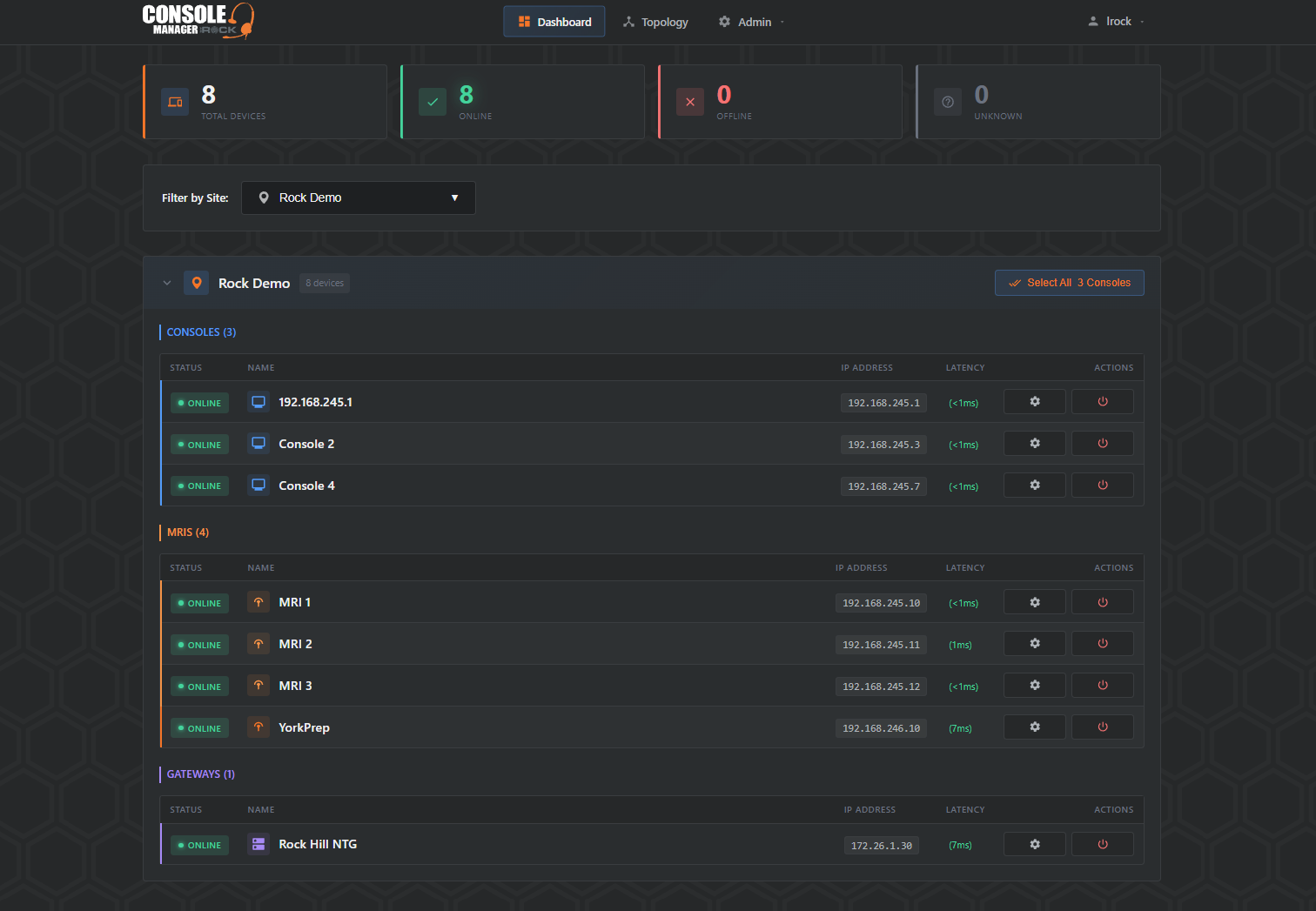
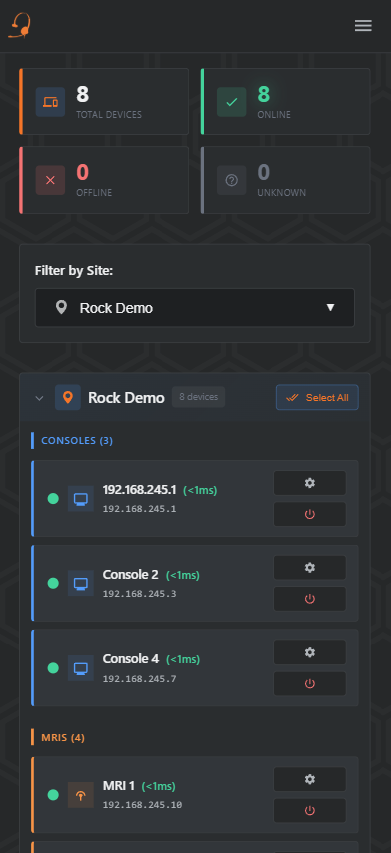
Console Manager provides secure remote access to your Mindshare dispatch consoles across all sites. Reboot systems, push updates, and troubleshoot issues without rolling a truck.
Already have an account? Login here
Purpose-built tools for managing Mindshare console systems in mission-critical environments.
Access consoles behind firewalls without opening inbound ports. Our agent establishes secure outbound connections from each site.
View and control console screens directly in your browser. Diagnose issues and make configuration changes without a site visit.
Restart console services, reboot systems, and push defConsole updates with a single click. Reduce downtime and response time.
Manage consoles across hundreds of dispatch centers from a single dashboard. Organized by site with easy filtering.
See which consoles are online, offline, or need attention at a glance. Automatic ping monitoring keeps you informed.
Complete audit trail of every action taken. Know who rebooted what, when, and from where for compliance and troubleshooting.
Our compact, fanless gateway agent comes pre-configured and ready to deploy. 4 Ethernet ports let you segment your console network from your internet uplink.
A clean, intuitive dashboard for managing all your dispatch consoles.
Simple setup gets you managing consoles remotely in minutes.
Install our pre-configured gateway agent at each site. Fanless, compact, with 4 Ethernet ports for flexible network segmentation. Just plug it in and it connects securely to Console Manager.
Register your Mindshare consoles and gateways in the dashboard. Set up SSH credentials for remote access.
Access VNC, restart services, push updates, and reboot systems from anywhere with an internet connection.
No inbound firewall rules required at dispatch sites. The agent initiates all connections outbound.
Stop rolling trucks for routine maintenance. Contact us to learn how Console Manager can help your dispatch operations.